The trouble with most note-taking apps is that formatting slows down thinking. You pause, reach for the mouse, select text, find a toolbar icon, click it, and then try to remember what sentence you were constructing.
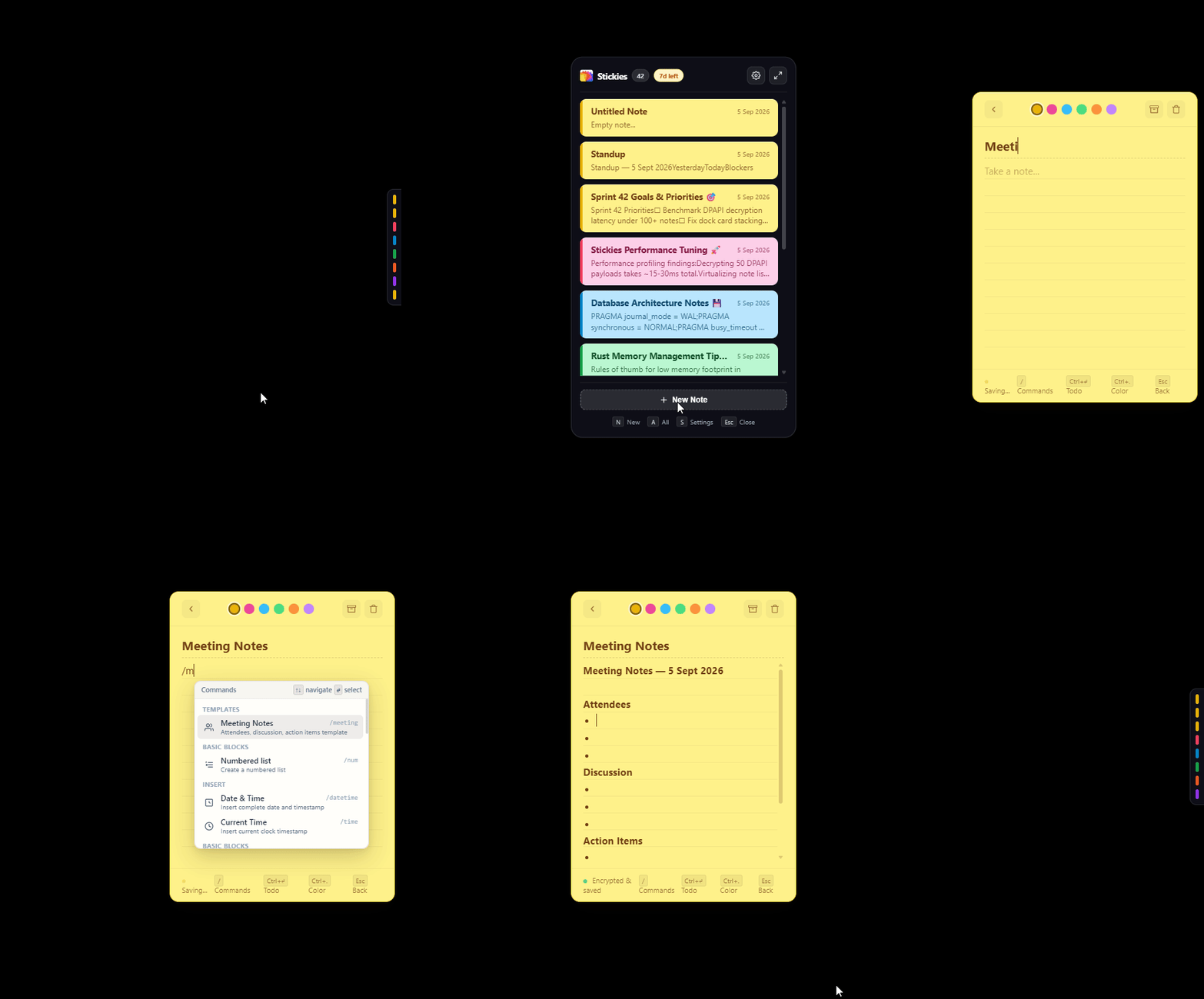
In stickies.lol, every note operates like a lightweight command line. Typing a single / character triggers an instantaneous autocomplete palette that lets you scaffold templates, evaluate expressions, sweep completed tasks, and switch themes without ever moving your hands from the keyboard.
The 10 Commands I Use Every Day
Every morning before sprint standup, I hit Win+Alt+N to pop open a fresh note and type /standup. The note immediately scaffolds structured headings with pre-formatted bullet points for Yesterday, Today, and Blockers.
You never need to break flow to launch calculator.exe again. Typing /calc evaluates mathematical expressions directly within your text and locks them into an interactive math chip.
Try complex nested expressions: /calc (850 * 1.15) - 40
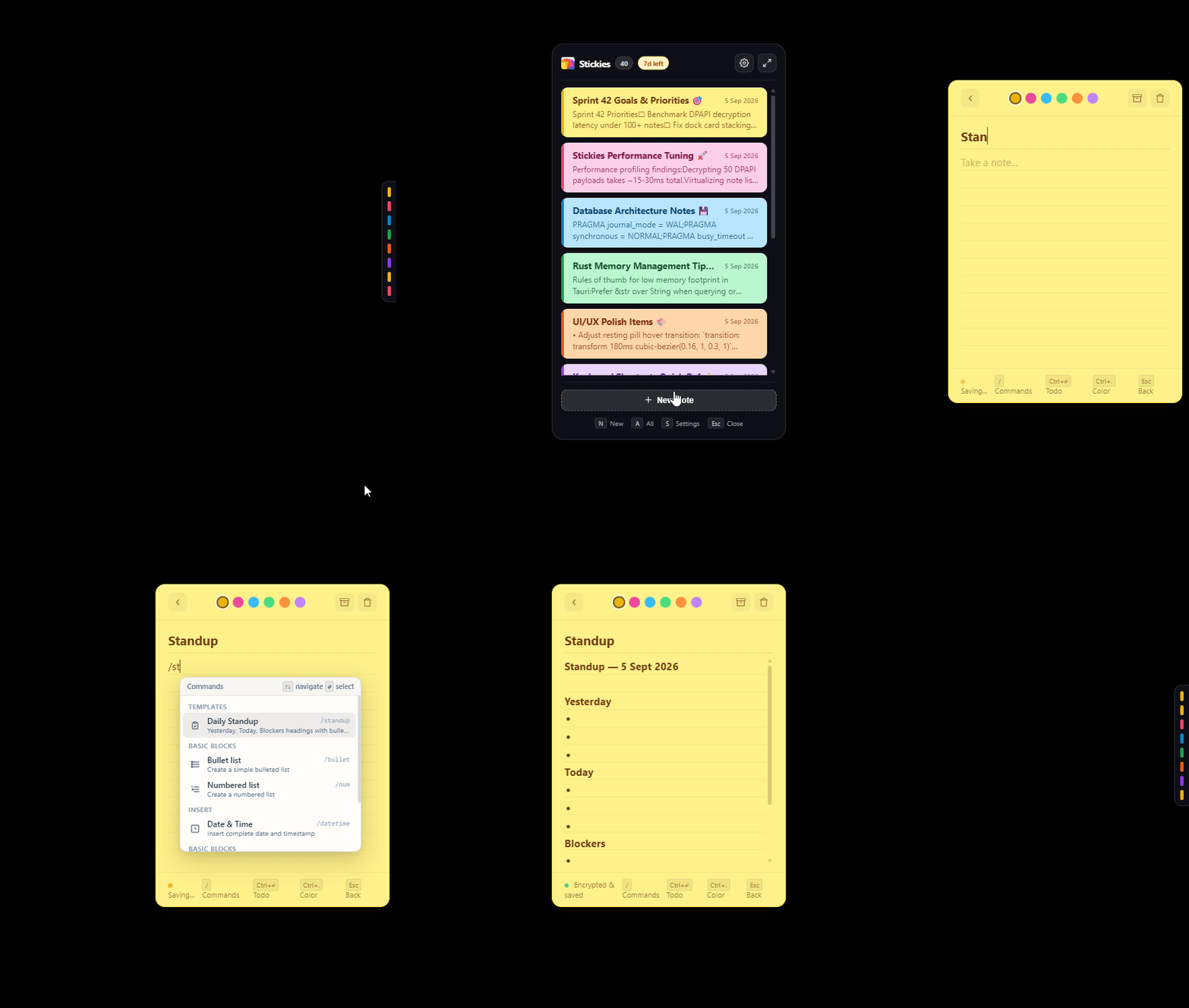
When a surprise call starts, typing /meeting generates a complete meeting template with Attendees, Discussion Topics, and Action Item checkboxes ready for live capture.
Weighing a technical trade-off? /proscons generates structured Pros and Cons lists so you can compare options side by side without losing clarity.
Pros:
+ 18MB RAM idle instead of 250MB+
+ 4MB installer binary
Cons:
- Windows-first native API hooks require Rust bindings
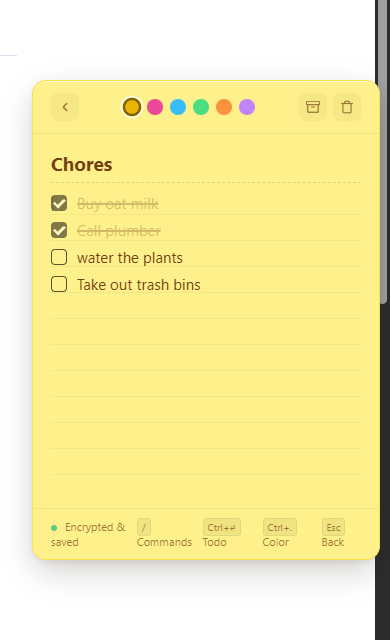
As the workday progresses, your to-do lists fill up with crossed-off items. Instead of manually deleting checked lines, typing /clean acts as a digital broom: all checked checkboxes are swept out of the note, leaving only your active tasks.

Inserts an interactive checkbox. Pressing Enter at the end of a todo item automatically spawns the next task. Checking a box updates local DPAPI storage in 250ms.
Log meeting notes, debugging observations, or customer feedback with automatic timestamps. /date outputs today's formatted calendar date, while /time logs the current clock time down to the minute.
Categorize notes without touching the color picker. Type /pink for urgent bugs, /mint for completed reference sheets, /peach for architecture drafts, and /blue for personal notes.
Once your note is drafted, type /copy. stickies.lol compiles the note into clean, standard Markdown and places it onto your Windows clipboard, ready to paste directly into Slack, GitHub, or Notion.
Keeps your active screen edge tidy. Typing /archive moves the note off your docked deck into the local SQLite database. It remains fully indexed and searchable anytime using Win+Alt+A.
Download the Free Slash Commands Cheat Sheet
Get our high-resolution printable PDF keyboard reference card covering all slash commands, shortcuts (Win+Alt+N, Win+Alt+A, Ctrl+.), and markdown syntax.
Supercharge Your Desktop Speed
These commands work offline, with zero latency, in under 20MB of RAM. Try them free for 7 days.